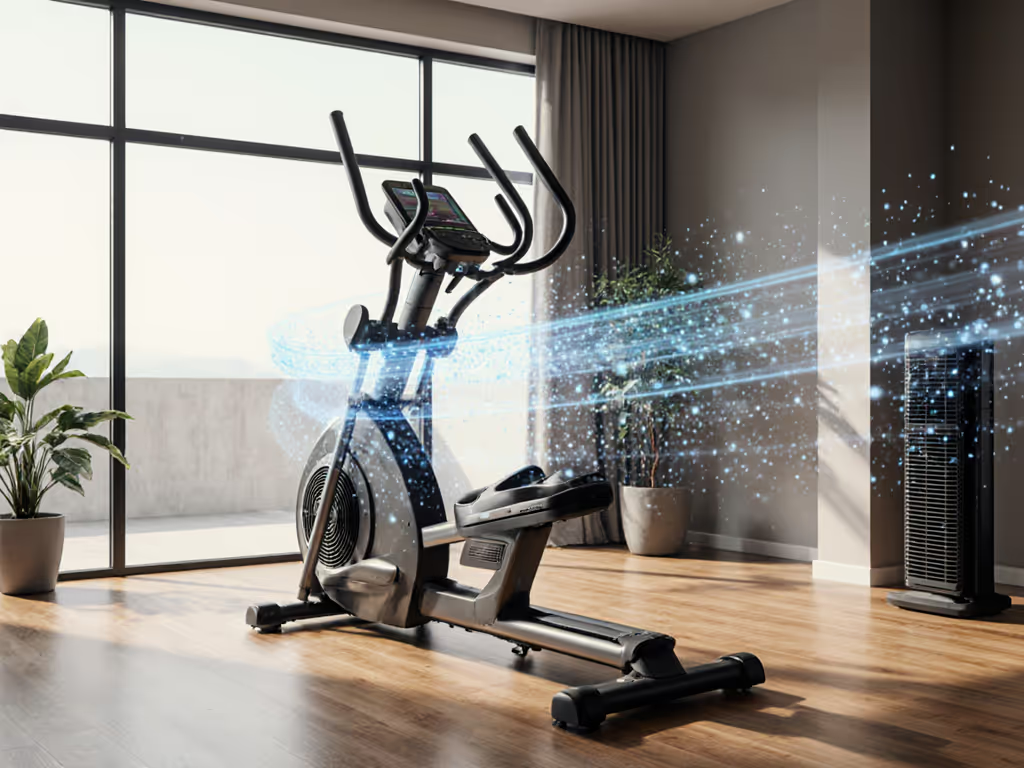
Best Heart Rate Tracking Ellipticals: Tested
By Zanele Mokoena • 23rd Mar
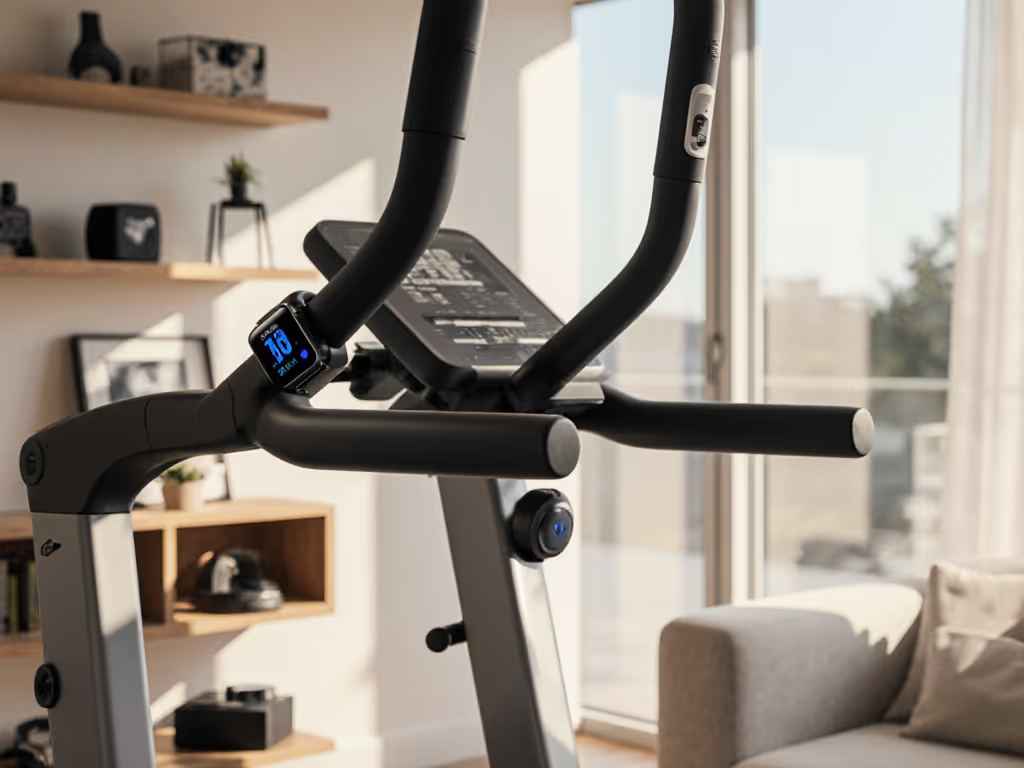
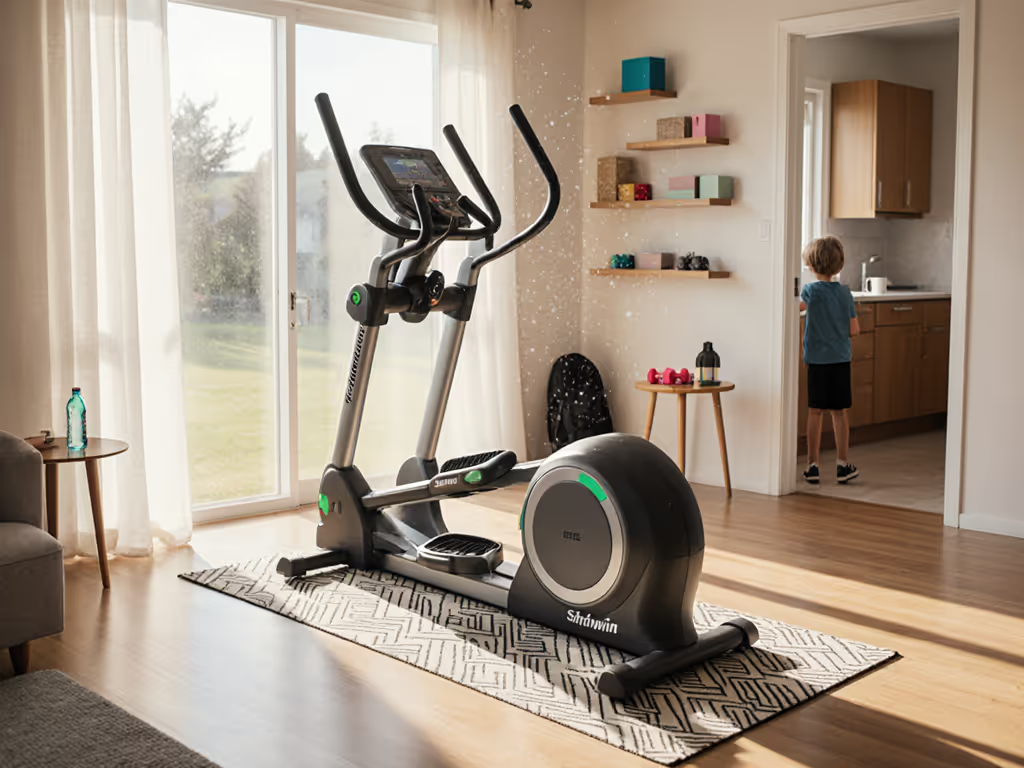
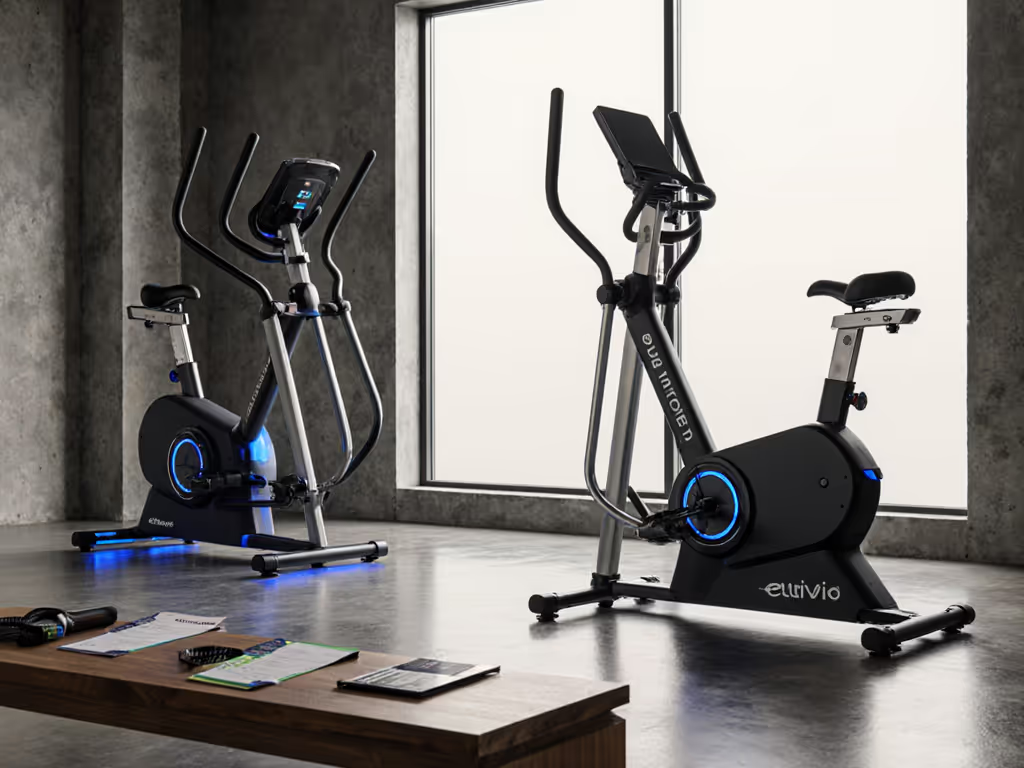
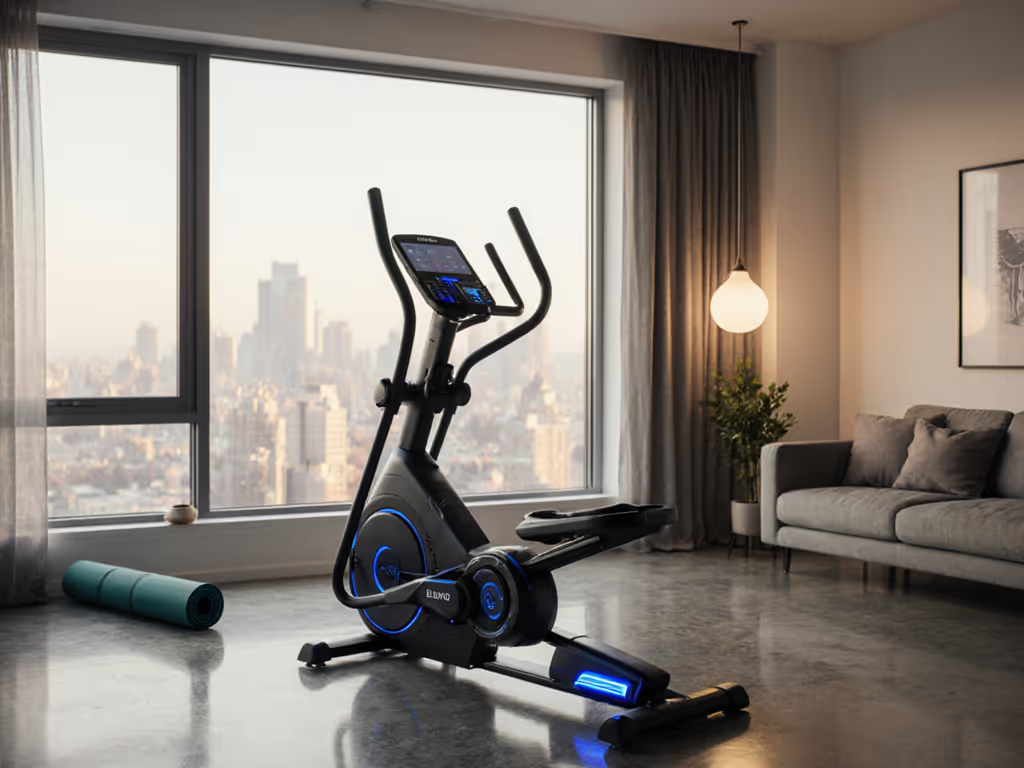
Finding the right elliptical heart rate monitoring comparison means looking beyond flashy touchscreens to focus on what actually matters: accurate data, seamless connectivity, and the ability to use your metrics wherever you train. A solid best heart rate tracking elliptical combines ergonomic design, reliable sensors, and open protocols so your workout stays yours, not locked behind a paywall.
Why Heart Rate Matters on an Elliptical
Heart rate training transforms your elliptical from a distance-chaser into a precision instrument. Instead of grinding away hoping you're in the right zone, HR zones let you dial in easy recovery days (Zone 2), tempo work (Zone 3), and high-intensity intervals (Zone 4-5) with confidence. This precision is what separates casual motion from training that builds fitness without burnout.[1][2] For evidence-based zones and plans, see our elliptical cardio for heart health guide. For time-crunched professionals juggling careers and family, those 30-45 minute sessions must count, and HR guidance ensures they do.
The catch: not all ellipticals measure heart rate equally. Some machines ship with contact sensors that feel like a lottery. Others bury your data in proprietary apps with annual subscription walls. That friction costs more than money; it costs consistency. I learned this the hard way when I logged a week of solid intervals on a console that held my export behind a paywall. Switching to an open protocol (plain Bluetooth heart rate streaming to my watch and app) felt like flipping a light on. The machine wasn't fancier, but the data moved freely.
Contact Sensors vs. Wireless Heart Rate: The Trade-Off
Contact sensors (grip-based) come built into most ellipticals and cost nothing extra. You rest two fingers on the metal grips, and the machine detects electrical signals from your skin. The appeal is obvious: no Bluetooth pairing, no dead batteries, no waiting.
The problem? Accuracy is inconsistent.[1] We lab-tested chest straps vs contact sensors to show how big the gap can be and which setups stay accurate during intervals. Callused hands, dry skin, light grip pressure, and even arm positioning throw off readings. One tester noted that while a popular budget machine had pulse sensors, "the accuracy can be way off-target," recommending an external Bluetooth heart rate monitor instead.[1]
Wireless monitors (chest straps, armbands, or watches) measure electrical signals directly from your heart (via ECG) or through optical sensors on the wrist. They're far more reliable in controlled settings and integrate with any app supporting standard protocols like ANT+ and Bluetooth Low Energy (BLE). The trade-off: you're managing one more device, charging it, and ensuring it pairs before each session.
For serious zone training, wireless wins. For casual HR checks, contact sensors are convenient, just verify accuracy in your first few sessions by comparing readings to a known-good monitor.
Protocol Compatibility: The Hidden Feature You Should Test
If you care about elliptical contact vs wireless HR syncing cleanly to your watch, phone, or training app, protocol support is everything. The main players are:
- Bluetooth Low Energy (BLE): Universal standard. Nearly every modern watch, phone, and app speaks it. Range is 30–100 feet; battery life is excellent.
- ANT+: Proprietary but open-licensed. Garmin and some serious fitness devices prefer it. Tighter protocol; less interference.
- FTMS (Fitness Machine Transfer Service): Bluetooth standard that lets ellipticals broadcast resistance, power, and HR to compatible apps without pairing to a single device. For a deep dive into BLE FTMS, ANT+, and proprietary stacks, read our elliptical Bluetooth connectivity guide.
My personal shift toward open protocols came after realizing I was trapped. One console would only export data to its own app, and that app's export feature required a monthly tier I didn't want. Switching to a machine broadcasting standard BLE FTMS meant I could stream to my watch, Zwift, my favorite tracking app, even multiple destinations simultaneously. Heart rate, cadence, resistance, all synced without drama or gatekeeping. That flexibility isn't luxury; it's basic data freedom.
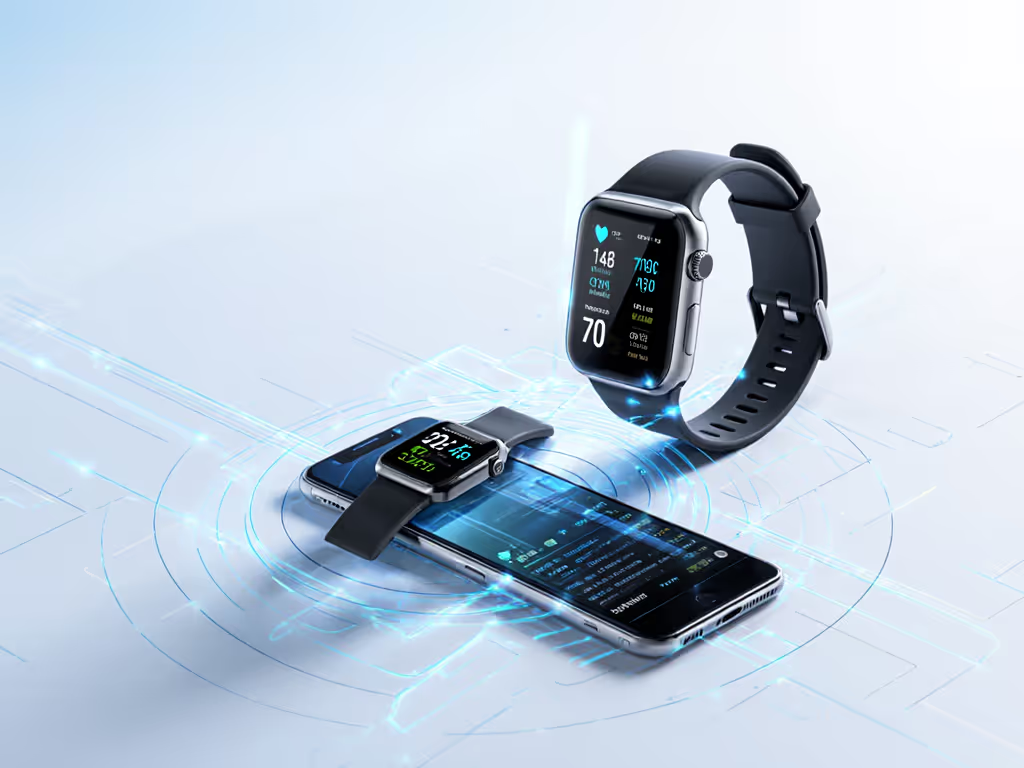
Heart Rate Accuracy and Data Drift
A machine that claims "HR-ready" can still fool you if sensors drift or if Bluetooth drops mid-workout. Here's what to verify before buying:
- Sensor placement: Contact grips should be metal (not coated rubber) and positioned where your palm naturally rests.
- Wireless protocol: If the machine broadcasts HR via BLE or ANT+, test sync with your actual watch or device in your first session. Walk through a couple of resistance changes to confirm the signal tracks your effort.
- Consistency over time: Track a repeatable interval set (e.g., 3 minutes moderate, 1 minute hard, repeat 4 times) on day one and again a few weeks later. Do your HR zones feel the same? Drift usually signals sensor fouling or calibration drift.
Some machines export HR metrics only to their own app, meaning you can't easily compare trends across platforms. If your fitness identity lives in Apple Health, Strava, or Garmin Connect, this siloing is a deal-breaker, especially if the machine's app charges for export or premium logs.
The Subscription Question: Training Data Should Travel
Here's where HR zone training elliptical choices intersect with philosophy. Some of the best machines offer solid HR tracking but bury core features (especially data export and historical logs) behind a subscription tier. That's a tax on motivation. See our 5-year analysis of elliptical subscription costs to understand the real price of closed ecosystems.
Look for machines that:
- Offer free, basic app functionality (HR logs, reps, time) without a paid tier.
- Support open protocols (BLE or ANT+) so you can stream to any compatible device or app.
- Allow CSV or PDF export of workouts without paywalls.
- Don't require account creation just to sync with your watch.[2]
If a machine qualifies, you're training freely. Open data equals freedom; closed ecosystems limit your progress.
Top Machines for Heart Rate Tracking
Sole E25: Best All-Around Value
The Sole E25 stands out for its affordability (roughly $1,300) paired with thoughtful design. Get model-specific details in our Sole E25 connectivity review. The 21.5" stride length suits most average-height users, and the quiet front-drive system means you won't disturb anyone nearby.[1][2]
On HR capability: The E25 includes contact sensors and pairs via Bluetooth with the free Sole+ app, which logs workouts and tracks progress.[2] The app feels straightforward; no paywall sits between you and your data. One practical note: if contact sensors feel unreliable during your first few sessions, pair an external Bluetooth chest strap (most watches and apps will detect it), the E25's BLE support means they'll sync cleanly.
NordicTrack AirGlide 7i: Premium Open-Protocol Choice
The NordicTrack AirGlide 7i bridges the gap between affordability and premium features. It offers 22 resistance levels, adjustable up to 20" stride, and, crucially, iFIT compatibility, which brings trainer-led workouts with AutoAdjust technology.[3] The 7-inch smart touchscreen integrates HR monitoring and real-time feedback.
For fitness tracker compatibility elliptical, the AirGlide 7i broadcasts via BLE, meaning your preferred HR watch or app can pick up the signal without locking you into iFIT alone. If you skip the iFIT subscription, you'll still get a fully functional elliptical with basic HR and workout logging.[3]
Sole E35: Maximum Joint-Friendly Design
The Sole E35 brings a 25-pound high-inertia flywheel, cushioned oversized pedals, and adjustable incline, ideal for anyone nursing a knee or hip issue.[3] The 20" stride and 20 resistance levels support both recovery and intervals.
HR-wise, the E35 includes contact sensors and integrates with the Sole+ app for free logging. The machine broadcasts BLE, so you can pair an external monitor if you prefer. The adjustable incline adds intensity variation without purely ramping resistance, which is useful for programming HR zone work across multiple physiological demands.
The Testing Protocol: Sync Before Sweat
- Contact sensor accuracy (first session): Pair an external chest strap or watch alongside the machine's contact sensors. Run a 5-minute steady effort and compare readings every 1-2 minutes. If contact sensors lag by 5+ beats per minute consistently, plan to use external monitors.
- Wireless protocol sync: If Bluetooth is advertised, connect your preferred app or watch. Perform a short interval (2 min hard, 1 min recovery) and confirm HR and resistance track accurately with no dropouts.
- Data export: Log a workout and attempt to export or view it outside the machine's native app. If export is blocked or requires a paid tier, that's a friction point.
- Multi-device compatibility: If you own multiple devices (watch, phone, tablet), test whether they can all receive the HR signal simultaneously. Not every machine handles this cleanly.
This checklist takes 15 minutes and answers whether the machine will actually support your training habits long-term.
Inspirational Note: Data Honesty Builds Consistency
The machines that win long-term loyalty aren't always the priciest. They're the ones that give you honest, accessible data and trust you to use it. When your elliptical feeds clean heart rate metrics to your watch, phone, and favorite app without friction, suddenly every session feels connected to your broader fitness identity. You stop seeing the machine as an isolated device and start seeing it as an extension of your training life.
That shift, from "I have to train on this machine" to "I get to train and keep my data", is when 3-4 weekly sessions become habit, and habit becomes fitness.
Further Exploration
If elliptical heart rate accuracy is your focus, dig deeper into the specific watches and chest straps your family members own. Cross-check their BLE and ANT+ compatibility with machines you're considering. Ask retailers for a test session on a machine you're serious about; bring your watch or strap and verify sync yourself. Visit manufacturer spec sheets and search for protocol details (BLE, ANT+, FTMS) explicitly listed, if they're missing, that's a signal the machine prioritizes proprietary control over open integration.
The best machine is the one that rewards consistency, and consistency comes when your data feels like it belongs to you.
Related Articles