Elliptical Cooling Fan Comparison: Stay Cooler, Train Longer
By Amir Qureshi • 21st May
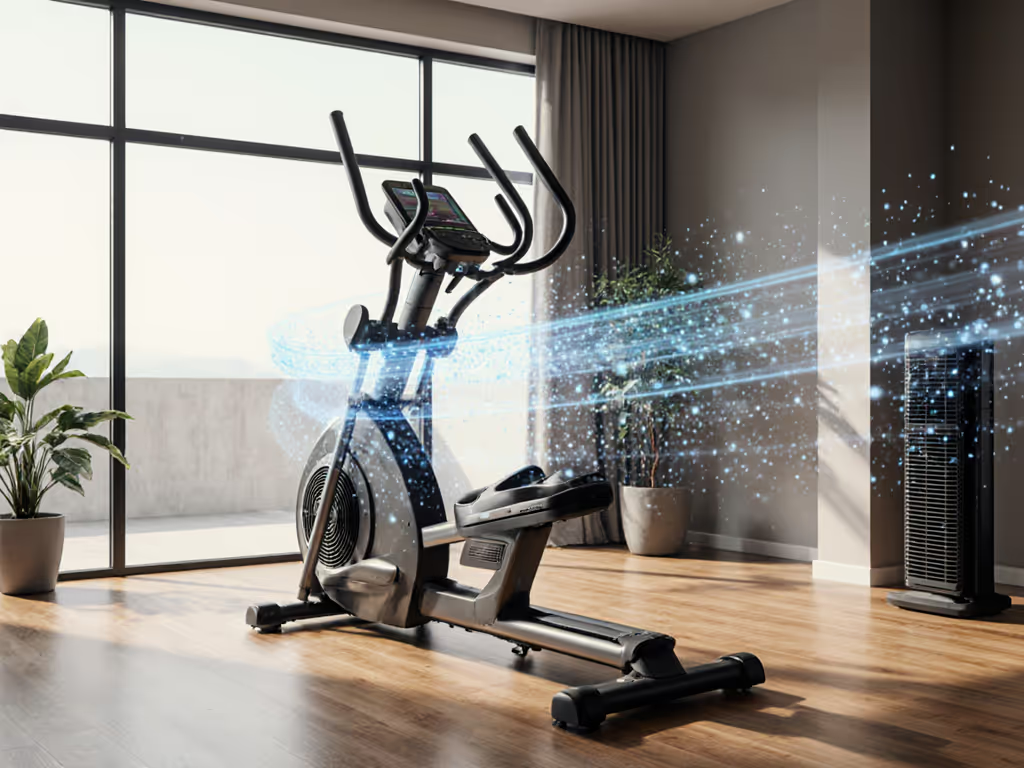
When you're already picky about stride length and joint comfort, it's frustrating to cut a workout short just because you're overheating. This elliptical cooling fan comparison is for people who want to train smarter in real-world homes and apartments, with a clear look at temperature regulation elliptical features that actually work.
I'll walk through the trade-offs between built-in console fans and external floor or tower fans, how much airflow you really need, what noise levels are realistic in shared spaces, and how to test cooling at home with simple, measurable methods.
Measure your stride once; choose comfort for every workout.
I apply the same logic to cooling: measure what your body feels, then match the hardware to you.
Why does heat matter so much on an elliptical? Isn't it "low impact" anyway?
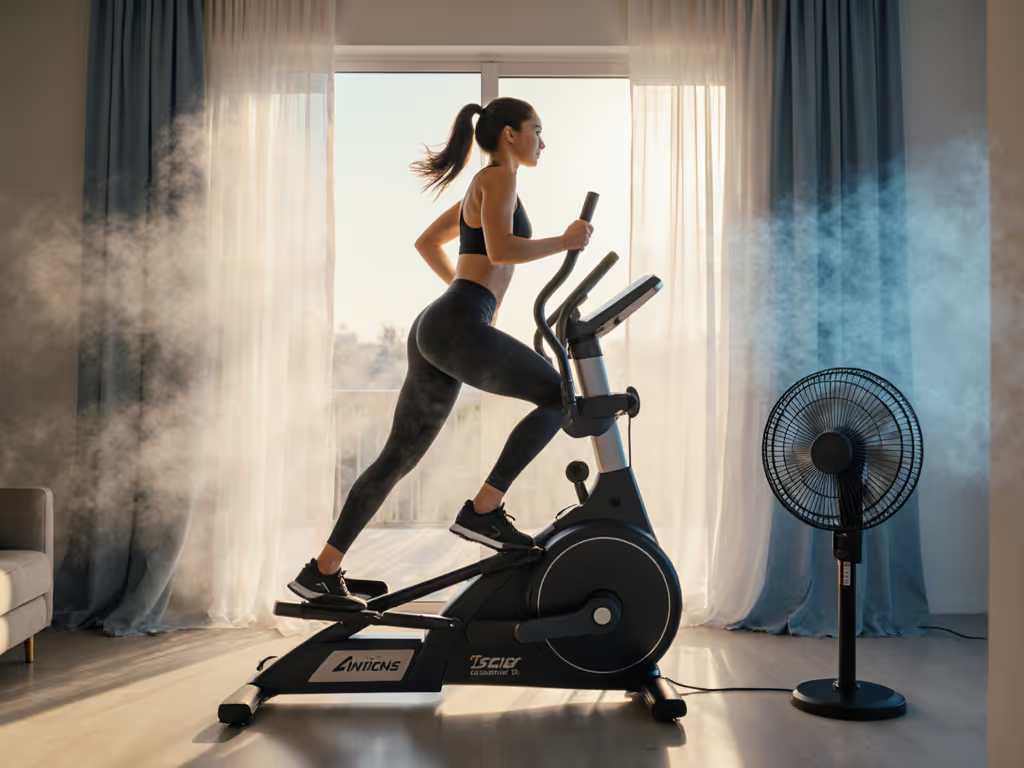
Low impact doesn't mean low effort. When you lock into a longer session, especially an elliptical workout in heat (garage gyms, sun-facing rooms, limited AC), two things happen:
- Core temperature climbs.
- Skin temperature climbs faster.
Your body dumps heat mainly by sweating and moving air over the skin so that sweat can evaporate. If the air is still, sweat just sits there. Effort feels like it jumps a full gear even though cadence and resistance haven't changed.
In practice, that means:
- You back off resistance earlier than planned.
- Your cadence gets choppy.
- Your form deteriorates: hips rock, heels lift, knees track weirdly.
I learned the hard way one winter that tiny misalignments add up. Once I started checking my own reach and angles with tape on the floor, I realized how quickly a body compensates when it's uncomfortable, whether from heat or bad geometry. If cooling is poor, you'll unconsciously shorten your stride or hunch forward toward the console fan. That's a red flag for joints.
If it hurts, it's wrong.
Good cooling keeps effort and posture stable so your knees, hips, and ankles can do the same motion, every minute, without weird compensations.
What actually keeps you cool on an elliptical?
Three variables matter more than any marketing term:
- Airflow over the skin (especially face, chest, and upper back)
- Air temperature
- Humidity
You can't always control room temperature and humidity, but you can control airflow, your main lever for temperature management cardio equipment at home.
Practical takeaway:
- Aim a fan at your face and chest.
- Keep the fan within 3-6 feet of your body.
- Use enough airflow that you feel steady evaporation, not just a vague breeze.
If sweat starts dripping rather than drying, airflow is too low or not hitting the right areas.
Are built-in elliptical fans actually useful?
Short answer: they help a bit, but rarely enough for hard or long sessions.
Most console fans share the same limitations:
- Weak airflow. Many feel like 50-100 CFM (cubic feet per minute) at your face, fine for a gentle spin, underpowered for serious intervals.
- Fixed angle. The fan is mounted where the console designer thought your chest would be. If you're under ~5'4" or over ~6'1", the breeze often hits your neck, throat, or even your forehead.
- Narrow stream. Cooling is focused on a small area, so sweat pools on shoulders and back.
You'll notice this especially in multi-user households. Different heights mean only one person gets the sweet spot. The machine is asking your body to adapt to it again.
Who built-in fans work for:
- Light sessions under 20-25 minutes
- Cooler rooms (below 72°F / 22°C)
- Users in the "average" height range the console was built around
When built-in fans fall short:
- Any workout where HR is at or above Zone 3 for 20+ minutes
- Garage or attic spaces that regularly sit above 75-78°F (24-26°C)
- Households sharing a single machine across very different heights
Think of the console fan as backup cooling, not your primary system.
How does an external fan compare to built-in fans?
This is where the real elliptical cooling fan comparison happens.
1. Airflow strength
For most home setups, a good external fan gives you roughly 2-5x the effective airflow of a built-in console fan.
Typical real-world ranges:
- Console fans: feel like ~50-100 CFM at your face
- Compact desk/personal fans: ~100-200 CFM
- Slim tower fans: ~200-400 CFM (depending on distance and setting)
- Box/tilt floor fans: often 300+ CFM directly in front of you
You don't need to know exact CFM; you need a repeatable way to feel the difference.
2. Simple cooling fan effectiveness test (at home)
Here's a quick, no-gadgets test I use with clients to compare fans:
- Pick a standard effort.
- 5 minutes at a steady pace you'd call "moderate" (you can speak in short sentences).
- Baseline with no fan.
- Rate how hot you feel at minute 5 on a 0-10 scale (0 = cool, 10 = overheating). Note sweat: mostly dry, damp, or dripping.
- Repeat with console fan only.
- Same resistance, cadence, and duration.
- Repeat with an external fan pointed at your chest and face (3-6 feet away).
What to look for:
- A good external fan usually lowers your heat rating by 2+ points (e.g., from 7/10 to 5/10) at the same workload.
- Sweat should shift from "dripping" to "damp and drying" on your chest and shoulders.
If the external fan doesn't feel clearly better than the built-in fan, angle or distance is off.
Won't stronger fans be too noisy for apartments or sleeping kids?
Noise is a valid concern, especially if you're also chasing a quiet drive and low vibration. This is where elliptical fan noise analysis matters.
Most people focus only on decibels, but type of noise matters just as much:
- Elliptical noise: low-frequency hum + mechanical whir
- Fan noise: mostly higher-frequency whoosh of air
The goal is to keep the combined sound comfortable in a shared home. For a deeper look at why some machines are naturally quieter, see our comparison of magnetic vs air resistance.
Practical noise guidelines
You don't need a meter, just use these rules of thumb:
- If you can hold a normal conversation at arm's length without raising your voice, you're likely under 60 dB.
- If someone with a closed door two rooms away can't tell if the fan is on, you're in a very neighbor-friendly zone.
Quieter setups tend to use:
- Slim tower fans on medium speed, placed 4-6 feet away and angled up
- Personal fans on adjustable arms closer to the body, run on low or medium
Noisier but powerful setups:
- Box or industrial floor fans on high, especially in echoey rooms
If you're in a condo or have a nursery nearby, aim for:
- Elliptical noise: quiet whir only, no clunking or squeaks
- Fan: low to medium setting, placed slightly off-axis (to the side) so air hits you without blasting straight into the mic if you're on calls or watching TV
Remember: a fan that is slightly quieter but well-aimed can beat a louder one that is pointed at the wrong place.
How should I place fans for a cooler, joint-friendly workout?
Cooling isn't just about comfort, it keeps your posture and stride mechanics consistent. Overheating makes people hunch and reach forward, which changes knee and hip angles.
Single-fan setup (small spaces)
If you only have one fan:
- Place it directly in front of the elliptical, 3-6 feet away.
- Aim at the upper chest/neck area when you're standing on the pedals.
- If you're shorter, tilt the fan down slightly.
- If you're taller, raise the fan or place it on a sturdy box or table.
Quick test: when you close your eyes and pedal, you should feel continuous airflow across face and upper chest, not just neck or hair.
Two-fan setup (for hotter rooms or longer sessions)
If your room runs warm (above 75°F / 24°C) or you do long intervals, a second fan helps.
- Front fan: as above, for face/chest
- Side or rear fan: placed slightly behind and to one side, aimed at upper back and shoulders
This back-side airflow keeps sweat from soaking your shirt and helps prevent your upper body from overheating, which is where a lot of people start to feel "cooked."
Multi-user households
Different heights? Here's how to stop fighting over the breeze:
- Let the tallest user set stride and handle reach first.
- Mark fan height or angle on the wall or fan pole with small pieces of tape for each user.
- Swap fan positions to the taped markers as you switch users.
That way, both of you get predictable cooling without compromising stride or leaning forward toward the console.
What temperature regulation elliptical features are worth paying attention to?
Most people look only at stride length and resistance levels, but some temperature regulation elliptical features make a big difference in usability, especially if you run hot.
1. Console and fan adjustability
- Tilt-adjustable console or fan: lets you aim airflow to your face, not your throat.
- Multiple fan speeds: at least 3 levels is ideal; lets you bump cooling up for intervals.
If you can't move the console fan at all, plan from the start to add an external fan.
2. Open frame and handle design
- Avoid consoles that create a solid wall in front of your chest, these block airflow from external fans.
- Look for open side profiles so air can reach your torso and arms.
3. Sweat-friendly surfaces
- Textured, non-absorbent grips on moving handles
- Simple consoles without deep crevices where sweat can pool
This doesn't cool you directly, but it makes higher-sweat sessions more sustainable and easier to clean afterward.
4. Core fit still matters
Cooling can't fix a bad fit. For help dialing in stride length and pedal width, see our guide on stride length vs Q-factor. Before you worry about fans, confirm the basics:
- Stride length matches your leg length (most adults do well in the 18-20" range; taller users may prefer 20-22")
- Q-factor (distance between pedals) isn't excessively wide; for most people, staying at or under 200 mm feels more natural
Because if form breaks down from poor fit, no amount of airflow will save your joints. This is where my mantra comes in: Measure your stride once; choose comfort for every workout. Cooling is there to help you maintain that good form, not to compensate for a mis-sized machine.
How can I test fan setups quickly in a store or at home?
You don't need lab gear, just a timer and your own perception.
5-minute cooling check (store or home)
- Warm-up: 3 minutes easy.
- Set a consistent workload: choose a resistance and pace that feels like a strong but sustainable effort (a 6-7 out of 10).
- Test A – Built-in fan only:
- 5 minutes at that effort.
- At minute 5, rate:
- Heat: 0-10
- Breathing: 0-10
- Discomfort from sweat in eyes or dripping: 0-10
- Test B – External fan (or repositioning):
- Add or adjust external fan(s).
- Repeat the same 5-minute block.
Good setup signs:
- Heat rating drops by at least 2 points.
- You don't feel the urge to lean toward the console.
- Hands and shoulders feel relaxed, not tense.
Bad setup signs:
- You're still wiping sweat from your face multiple times.
- You feel a strong draft in your eyes but almost none on your chest or back (fan too high or too close).
- You change how you stand on the pedals just to catch more airflow. That's a subtle form compromise, and a warning.
Again: If it hurts, it's wrong. Don't bend your body to chase the breeze.
What's your recommended cooling setup for different home situations?
Here are simple templates you can adapt.
1. Small apartment, 8' ceiling, shared walls
Priorities: quiet, compact, easy to move.
- 1 × slim tower fan in front of the machine, 4-5 feet away
- Run on low or medium speed
- Angle vents toward upper chest
- Use a thick mat under the elliptical to cut vibration so you don't have to crank fan volume to mask mechanical noise
2. Spare-room or office gym
Priorities: comfort for 30-45 minute sessions, maybe calls or meetings.
- 1 × tower fan in front
- Optional 1 × small desk/personal fan clamped to a shelf aimed at your upper back
- Keep both on medium, adjust only for intervals
3. Garage or attic gym (warmer climates)
Priorities: maximum cooling to maintain form and safety in heat. If you train through hot or cold seasons, follow our summer vs winter elliptical workouts to adjust pace, hydration, and timing.
- 1 × strong floor or box fan in front, 3-6 feet away
- 1 × tower or pedestal fan angled at upper back or shoulders
- Consider training during cooler times of day and keep sessions shorter if room exceeds 80°F / 27°C
No matter the room, the pattern holds: consistent airflow to face, chest, and upper back keeps you moving naturally.
Actionable next step: do a 10-minute "cooling audit"
Set aside one session this week and treat it as a lab, not a workout. To track improvements objectively, learn how to use elliptical metrics so your cooling audit translates into better training.
- Check your room:
- Note approximate temperature (even "cool / moderate / warm" is fine).
- Test your current setup:
- 5 minutes at a steady, moderate-hard pace with whatever fans you already use.
- Rate heat and posture at minute 5: are you leaning, shrugging, or shortening your stride?
- Change one variable:
- Move the fan 1-2 feet closer or farther.
- Raise or lower it by 6-12 inches.
- Or add a second small fan if you have one.
- Repeat for 5 minutes:
- Same workload, new fan setup.
- Re-rate heat and posture.
If your heat rating drops and your body feels more relaxed at the same effort, you've just found free performance, and protection, for your joints.
Cooling is just one part of a good elliptical setup, but it's an underrated one. Dial in airflow the same way you'd dial in stride length or resistance. Measure once, adjust thoughtfully, and let the machine and your environment adapt to you, not the other way around.
Related Articles