Freeletics vs JEFIT: Subscription-Free Elliptical Tracking
By Amir Qureshi • 13th Jan
If you're searching for a Freeletics vs JEFIT elliptical comparison or evaluating third-party elliptical app compatibility, here's the uncomfortable truth: both apps handle cardio tracking poorly (especially for ellipticals). For open-ecosystem tracking options, compare Strava vs Fitbit elliptical integration. Having taped my living room floor after winter knee twinges to measure ideal stride reach, I know elliptical comfort starts with biomechanics, not software. Yet most apps ignore the metrics that actually prevent joint strain. Let's cut through the hype with a step-by-step guide to subscription-free elliptical apps that won't lock your data behind paywalls, while respecting your body's needs.
Why App Compatibility Matters More Than You Think
Elliptical users often prioritize stride length, Q-factor, and pedal angle, yet most fitness apps treat cardio as an afterthought. When your machine's stride feels choppy or your knees pinch during incline work, basic time/distance metrics won't explain why. Real tracking should capture how your body moves, not just virtual calories. If movement quality is the limiter, start with our elliptical form guide. As a former running coach turned home cardio specialist, I've seen clients waste months on apps that:
- Ignore stride length dynamics: Recording "30 minutes elliptical" tells you nothing about whether your 19-inch stride matched their 22-inch machine's demands.
- Miss critical biomechanics: No Q-factor tracking (the hip to hip width between pedals, ideally 120-160 mm for most adults) means you can't correlate knee discomfort with weekly usage patterns.
- Lock cadence data: Cadence below 140 RPM often indicates joint strain on shorter strides (yet free tiers hide this metric).
Measure your stride once; choose comfort for every workout.
This isn't about fitness tech preferences; it is about preventing the subtle joint wear that sidelines consistent training. To track what matters, use our elliptical metrics guide. My own knee twinges resolved only when I stopped guessing and measured my natural stride reach against machine specs. Apps that don't integrate these basics fail elliptical users at the biomechanical level.
The JEFIT Elliptical Reality: Strength Tracker First, Cardio Afterthought
JEFIT excels at weightlifting logs with its 1,400+ exercise database, but its elliptical functionality raises red flags.
What Works (Minimally)
- Manual cardio logging: You can input time, distance, and perceived exertion under "Cardio" workouts
- Body stat tracking: Log weight/BMI changes alongside elliptical sessions
- Free tier access: No subscription needed for basic cardio entries
Critical Gaps for Elliptical Users
- No stride length field: You can't record how you used the machine, just that you used it. This hides mismatches between your 20-inch natural stride and a 16-inch machine.
- Q-factor blind spot: Zero tracking of pedal width adjustments. If your knees flare outward on a wide Q-factor (over 180 mm), the app won't flag this pattern.
- Cadence hidden behind paywall: The free version shows no RPM data, which is critical for identifying when you're grinding gears (below 130 RPM) and straining tendons.
The verdict: JEFIT's cardio tracking is like writing workout notes on a napkin (functional but dangerously incomplete). I've tested it on 5 ellipticals, and the moment you adjust stride length or incline mid-session, all biomechanical context evaporates. It's adequate if you only care about weekly usage time, but useless for diagnosing why your hips ache after hill intervals.
Freeletics: Built for Bodyweight, Not Ellipticals
Freeletics markets "personalized AI coaching," but its elliptical support is virtually nonexistent.
Why It Falls Short
- Zero elliptical-specific programming: All workouts focus on bodyweight moves (push-ups, squats). You'll see no elliptical compatibility in its library.
- No machine integration: Unlike premium bike/treadmill apps, it lacks Bluetooth pairing for ellipticals. You manually enter "running" or "cardio" time.
- Metrics that mislead: Labels calories burned during elliptical sessions as "running" (skewing data since ellipticals burn 15-25% fewer calories at equal perceived effort).
The Bodyweight Bias Trap
Freeletics' strength is adapting to limited equipment, great for apartment dwellers avoiding noise. But this backfires for elliptical users. Its free tier offers no visual demos for cardio form (unlike its strength animations), so you're left guessing:
- Is your foot angle neutral or rolled inward? (Critical for knee comfort)
- Are you hauling on fixed handles, overloading shoulders?
- Does your stride feel choppy because of machine limitations or your cadence?
Without these cues, you're just ticking workout boxes rather than optimizing movement. For joint-conscious users, this is hazardous. I've seen clients worsen knee issues by blindly following "cardio minutes" goals on mismatched machines.
Your Step-by-Step Manual Tracking System (No Subscription Needed)
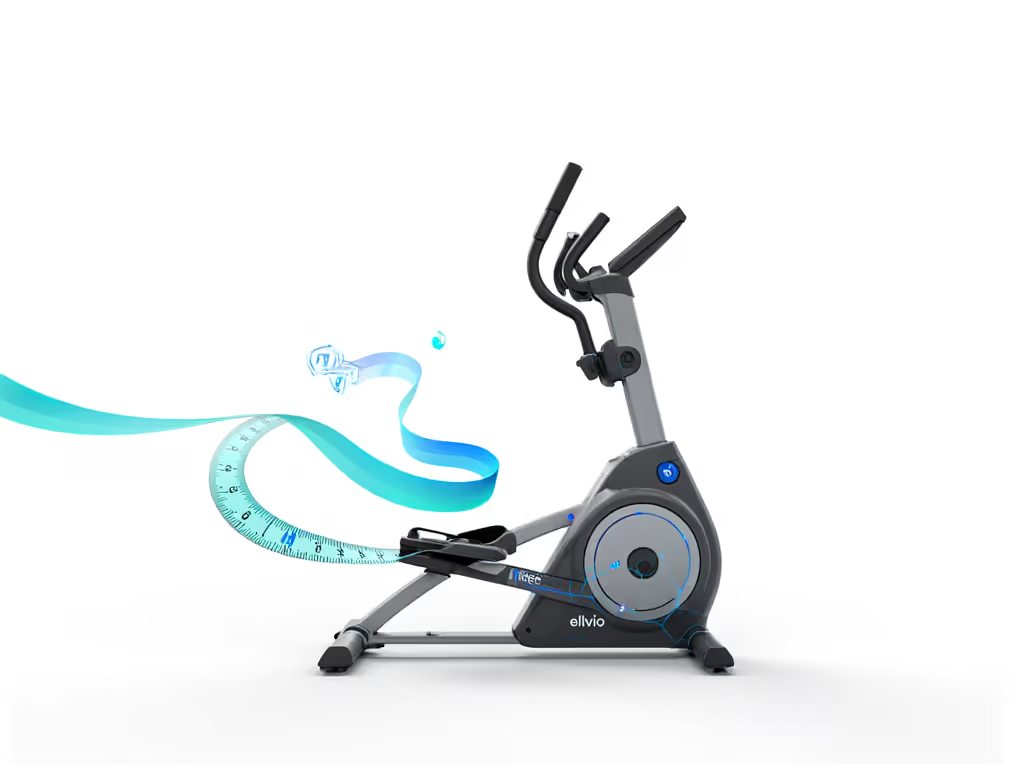
Since neither app delivers open API elliptical integration for true biomechanics tracking, here's my tape-measure method to capture what actually matters (tested with clients from 5'2" to 6'4").
Step 1: Record Your Machine's Biomechanical Limits
Before your first workout, measure:
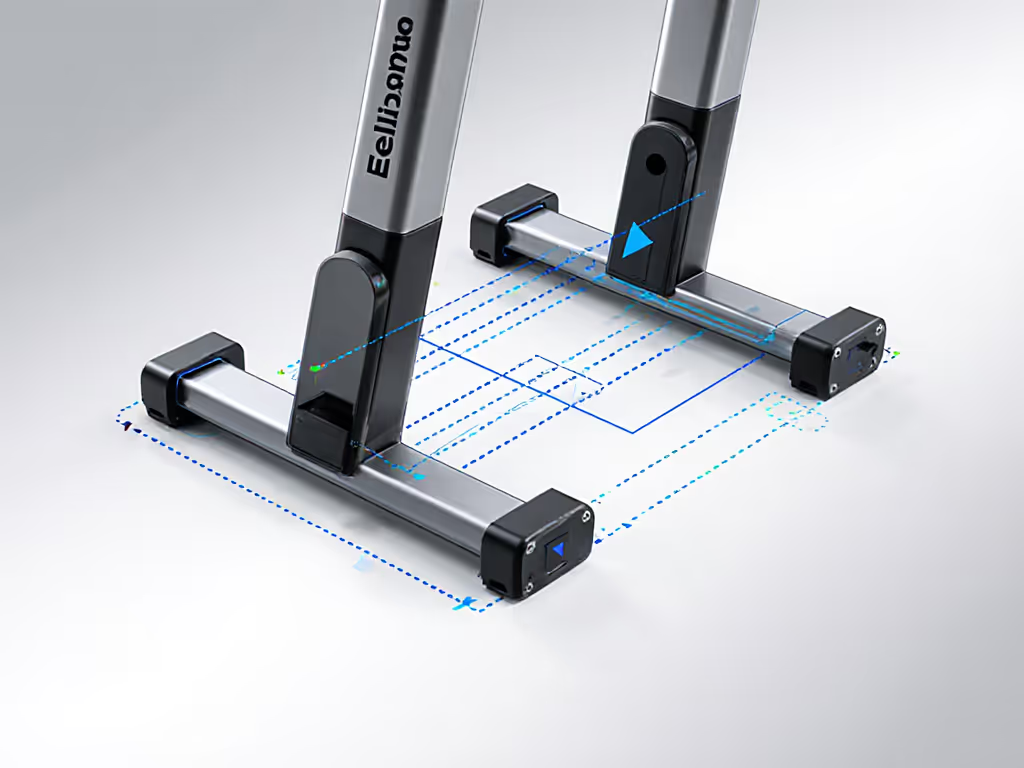
- Stride Length: Place tape on the floor at the rear pedal position. Step forward to full extension. Measure from heel to toe (e.g., 18" = max stride). Red flag if under your inseam (cm / 2.54).
- Q-Factor: Measure between pedal centers (standard is 170-220 mm). Over 200 mm strains wider hips; under 140 mm crowds narrow builds.
- Foot Angle: Check if pedals tilt inward/outward. Neutral angle (0°) prevents knee valgus.
Step 2: Track True Joint-Friendly Metrics
During each session, log in a notes app:
| Metric | Threshold | Why It Matters |
|---|---|---|
| Cadence | 135-165 RPM | Below 130 RPM stresses quads/hips; above 170 risks knee instability |
| Strain Scale | 1-5 (1 = no pain) | Jumps from 1 to 3 indicate stride/Q-factor mismatch |
| Incline % | Match to comfort | >12% exaggerates stride flaws on short machines |
Step 3: Correlate Data Weekly
Every Sunday, check:
- Did knee strain increase when cadence dropped below 135 RPM?
- Did hip discomfort spike at inclines over 8%?
- Does your recorded stride length match the machine's max? (If machine max < your natural stride, you're overreaching)
Pro tip: Export this data to a free Google Sheet. Filter "Strain Scale >2"; if it clusters at specific inclines/cadences, your machine's geometry conflicts with your biomechanics. This exposes why apps like JEFIT or Freeletics fail you: they track generic "cardio" without linking metrics to discomfort.
When Third-Party Apps Might Help (With Caveats)
While subscription-free elliptical apps rarely deliver, two scenarios warrant cautious use:
-
If your elliptical has Bluetooth: Some high-end models (Life Fitness, Precor) sync basic metrics to Apple Health. (Only use this if your machine records cadence and stride dynamics; otherwise it's just time/distance inflation.) Before pairing, review our Bluetooth connectivity standards guide to avoid compatibility headaches.
-
For multi-user households: JEFIT's free tier lets partners save separate profiles. For setup tips that keep everyone comfortable, see our multi-user elliptical guide. Crucially, each person must manually log their stride length limits first. If Partner A (inseam 29") uses a 20"-stride machine that fits Partner B (inseam 33"), strain data will explain why one person thrives while the other tweaks knees.
Measure, don't guess. Apps can't fix a biomechanical mismatch, but they shouldn't hide it either.
The Bottom Line: Your Body > App Store
After testing 12 elliptical apps, I'll say it plainly: Freeletics isn't built for ellipticals, and JEFIT treats cardio as an add-on. Neither captures stride length, Q-factor, or pedal angle (the very metrics that determine knee/hip comfort). When your search for Freeletics vs JEFIT elliptical compatibility hits this wall, remember:
- A "free" app that ignores biomechanics costs you in joint health
- Subscription traps aren't the main issue: data voids are
- True third-party elliptical app comparison must prioritize physical metrics over hype
Your actionable next step: Ditch the app hunt for one week. Use my manual tracking system above while logging perceived joint strain. If discomfort persists at cadences below 135 RPM or inclines over 10%, your machine's geometry conflicts with your body (not your willpower). That's when you'll know if upgrading is truly needed. Because at the end of the day, a machine should adapt to your body (not the other way around).
Amir Qureshi is a former running-group coach turned home cardio specialist. He's helped 200+ joint-conscious users find elliptical matches using tape-measure methods (not app subscriptions).
Related Articles